· Lucas Resende · Studies · 10 min read
Amplifier, Not Autopilot: My AI-Powered Programming Study Ecosystem
In a tech market split between automated code generation and complex problem-solving, I built an ecosystem using Obsidian, Anki, and multi-model orchestration to accelerate fundamentals without cutting corners.
I was watching an analysis by software engineer Karol Attekita in her video discussing the current division in the tech market, and one particular phrase stayed with me: the river didn’t dry up, it shifted its course.
Her core argument is that the tech market in 2026 is far from dead, but it has split in two. On one side, layoffs in entry-level positions focused on repetitive tasks, simple screens, and boilerplate CRUDs, things artificial intelligence now delivers in seconds. On the other side, an abundance of open roles for engineers who understand complex systems, architecture, automation, and security. Software engineering did not get simpler or less technical. On the contrary, it gained new abstraction layers, such as Spec-Driven Development and agentic architectures.
In my own research and daily study routine, I see this contrast becoming clearer every week. For anyone learning to program right now, it creates a dangerous crossroad.
With a single prompt, any frontier language model can solve Harvard CS50 exercises or college computer science assignments instantly. But if I use that shortcut to bypass the intellectual friction, I am merely training myself to be replaceable tomorrow.
That is why, both at Fatec and throughout CS50x, I decided to invert this mindset: instead of asking AI to produce finished code, I use the technology as an amplifier for context, research, and retention, keeping 100% of the reasoning and implementation in my own hands.
The system I built is the practical result of that decision, connecting what happens in the classroom directly to automated memory systems and deliberate tool orchestration.
From the whiteboard to Obsidian: what happens right after class
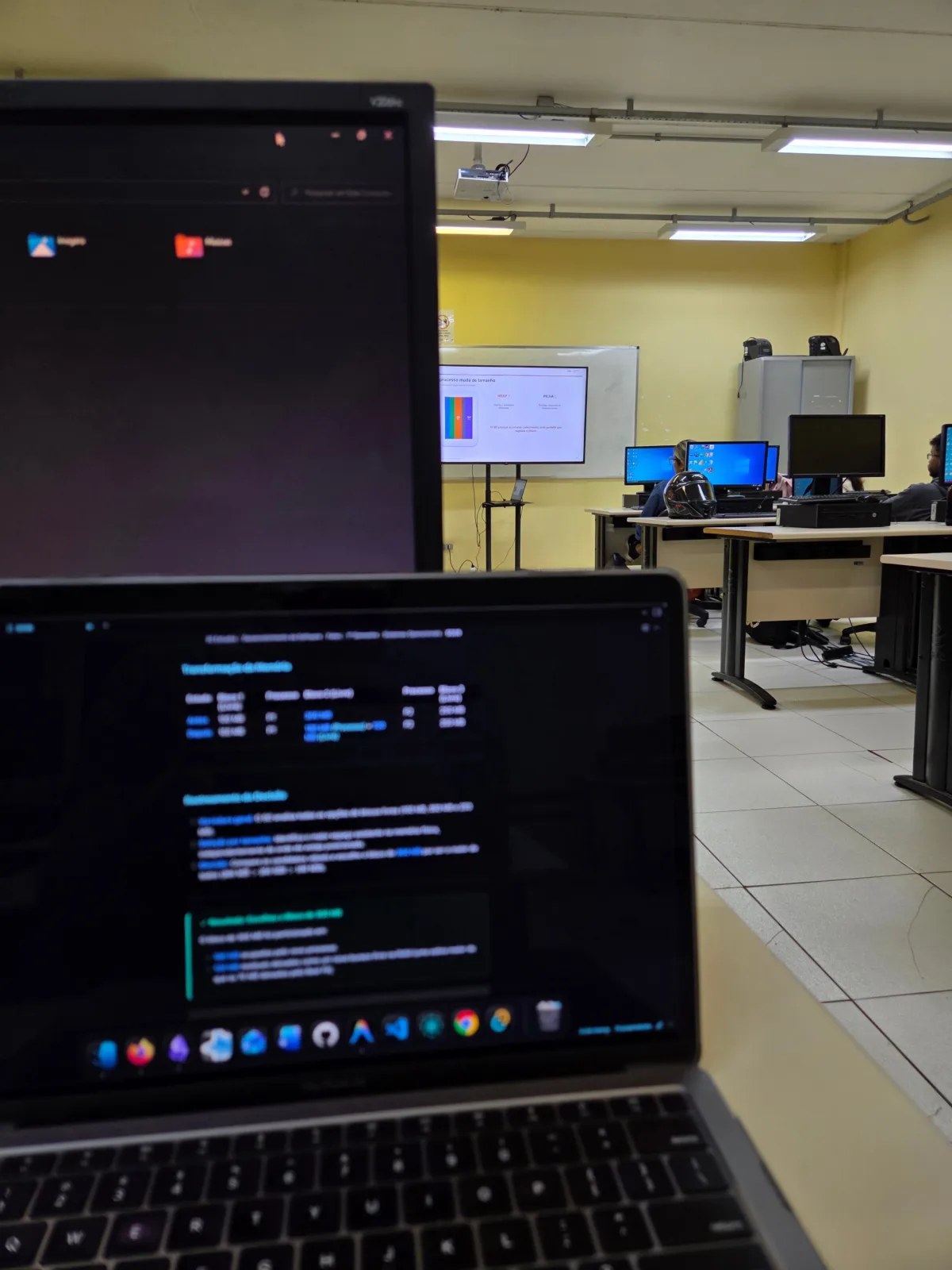
During lectures at Fatec, the first decision happens before I even turn on my computer: the note-taking format depends on what is happening in the room.
When the class is lecture-based with conceptual slide decks, I take notes directly in Obsidian using Markdown. But whenever the professor steps up to the whiteboard to sketch data structures, execution stacks, memory layouts, or relational diagrams, I choose pen and paper. The freedom of freehand drawing to capture spatial relationships and logical flows in real time still outperforms any keyboard.
The critical step is what happens after class. Those paper notes do not end up in a drawer. I transfer them into Obsidian, where an automated routine backed by AI assists me through four distinct steps:
First, it reorganizes scattered thoughts. Often, a closing remark at the end of class ties directly back to a concept introduced at the beginning. A custom script connects these insights, generating clean headings and visual Mermaid diagrams.
Second, and this is among the most valuable parts: whenever a confusing concept comes up during lecture that cannot be answered immediately, I write down a flagged inquiry right inside the text:
[QUESTION:: Why does sizeof only return 8 bytes (pointer size) instead of the actual array length when I pass it into a function in C? Test this in code later.]
Instead of letting that question fade away, the agent parses that specific tag and retrieves concise context from official documentation, returning the formal rule alongside a practical code example.
Yet there is a non-negotiable rule in this workflow: the AI only organizes and contextualizes. Once the document is enriched, I sit down and read the complete note line by line to actively re-learn the topic. Without active reading, an enriched note is nothing more than pretty text occupying storage on a hard drive.
Anki and spaced repetition: keeping syntax sharp past day one
Taking clean notes and reviewing them on the same day helps tremendously, but the human brain easily discards syntax rules and low-level mechanics unless prompted systematically.
To solve this, I migrate these insights into Anki, running the FSRS (Free Spaced Repetition Scheduler) algorithm. FSRS calculates the optimal review interval for each card based on my retrieval performance.
Many students fall into a common trap here: prompting an LLM to “create 10 question-and-answer flashcards about today’s class.” The outcome is almost always counterproductive: bloated text, superficial questions, and passive memorization that evaporates within days.
Instead, I follow Piotr Wozniak’s classic formulation principles. Cards must be atomic, targeting a single fact or cause-and-effect relationship through concise cloze deletions. The objective is never to memorize definitions, but to anticipate where code breaks and how the compiler behaves.
In practice, a card generated by this pipeline looks like this:
In C, the malloc function returns {{c1::NULL}} when {{c2::there is insufficient memory available on the heap}}, requiring defensive validation before using the pointer.
To eliminate the friction of manually copying and pasting dozens of cards, I wired this workflow directly into the local AnkiConnect API, running on port 8765. The agent formats the cards from the reviewed note and pushes them straight into the appropriate deck via local HTTP calls. My only morning task is opening the app and completing the scheduled reviews.
The C challenge in CS50: sketching on a whiteboard before touching the keyboard
In Harvard’s CS50x, the bar is set significantly higher. I am currently in Week 4, which marks the full transition into pure C, dealing with pointers, dynamic memory allocation with malloc, and direct address manipulation in RAM.
The compiler here is unforgiving. If you are uncertain about where a pointer points or what happens to a specific byte in memory, the program crashes with a segmentation fault. Outsourcing these problem sets to an AI model would be the quickest way to engineer a false sense of competence while learning zero actual computer science.
To navigate the long, dense lectures from Professor David J. Malan, I started using augmented transcripts. Automated audio transcripts contain minor phonetic inaccuracies and continuous walls of text, while official study notes frequently omit practical walkthroughs. I have an agent cross-reference both sources, generating a clean study guide with relevant slides placed at the exact timestamp and code snippets properly formatted.
With this reference ready, my implementation workflow starts visually: before touching a single key to write classic assignments like currency calculation (Cash) or matrix manipulations, I open a digital whiteboard. I sketch how the loops will iterate, where pointers initialize, and what the boundary conditions are.
Only after visualizing the complete control flow do I open the course’s official VS Code Spaces to write code. Nothing matches the feeling of running automated test suites in the terminal and seeing check50 return fully green, knowing that every single line was conceived, typed, and debugged by me.
I also adapted my focus sessions: instead of breaking momentum every 25 minutes with standard Pomodoro intervals, I adapt to my cognitive load. When tackling a challenging pointer arithmetic problem, I remain immersed for up to two hours without artificial interruptions. At the end of every session, I write a quick backstage note in my daily journal: “Fought hard with pointer arithmetic syntax today, buffer behavior was particularly interesting”. That running log shows me where my friction points are and what requires deeper practice.
My daily setup: multiple frontier models for $4.50 a month
There is a widespread misconception that building an advanced AI-augmented study setup requires paying for several expensive subscriptions every month. In reality, I assembled a high-leverage workstation costing around R$ 24 monthly (roughly $4.50 USD) through strategic orchestration:
Google Antigravity
IDE with local agent orchestration and execution
Gemini 3.8 + Qwen 3.8 Max
Deep investigation and cross-synthesis of reports
DeepSeek API + NotebookLM
Fallback via Zoo Code and technical PDF vault
For my primary development workspace, I rely on Google Antigravity, leveraging the student tier (costing around R$ 24 / ~$4.50 per month). In addition to extensive access to frontier Gemini models, the subscription includes generous Google Drive cloud storage, which I share with my family.
Whenever I need to run deep-dive research into complex software architecture questions, I combine Deep Research on Gemini 3.8 Flash with the investigative mode in Qwen 3.8 Max. Long-form research reports often contain superficial noise and repetition. Agents inside Antigravity compare both outputs, strip out redundancies, and synthesize only the verified technical core.
My interest in Chinese tech models stems from my Mandarin studies, and DeepSeek proved remarkable in price-to-performance for reasoning tasks. Inside VS Code, I use the Zoo Code extension configured with DeepSeek API endpoints (models V3 and 4.1 Flash). Whenever primary quotas encounter temporary throttles, this API serves as an instant fallback, costing pennies per million tokens.
Finally, I use NotebookLM as a grounded reference vault for official documentation and technical textbooks in PDF format. It ensures that responses stay strictly anchored to source materials I upload, and its audio summaries make for great listening material during daily walks.
Security boundaries: why agents never run unrestricted on my machine
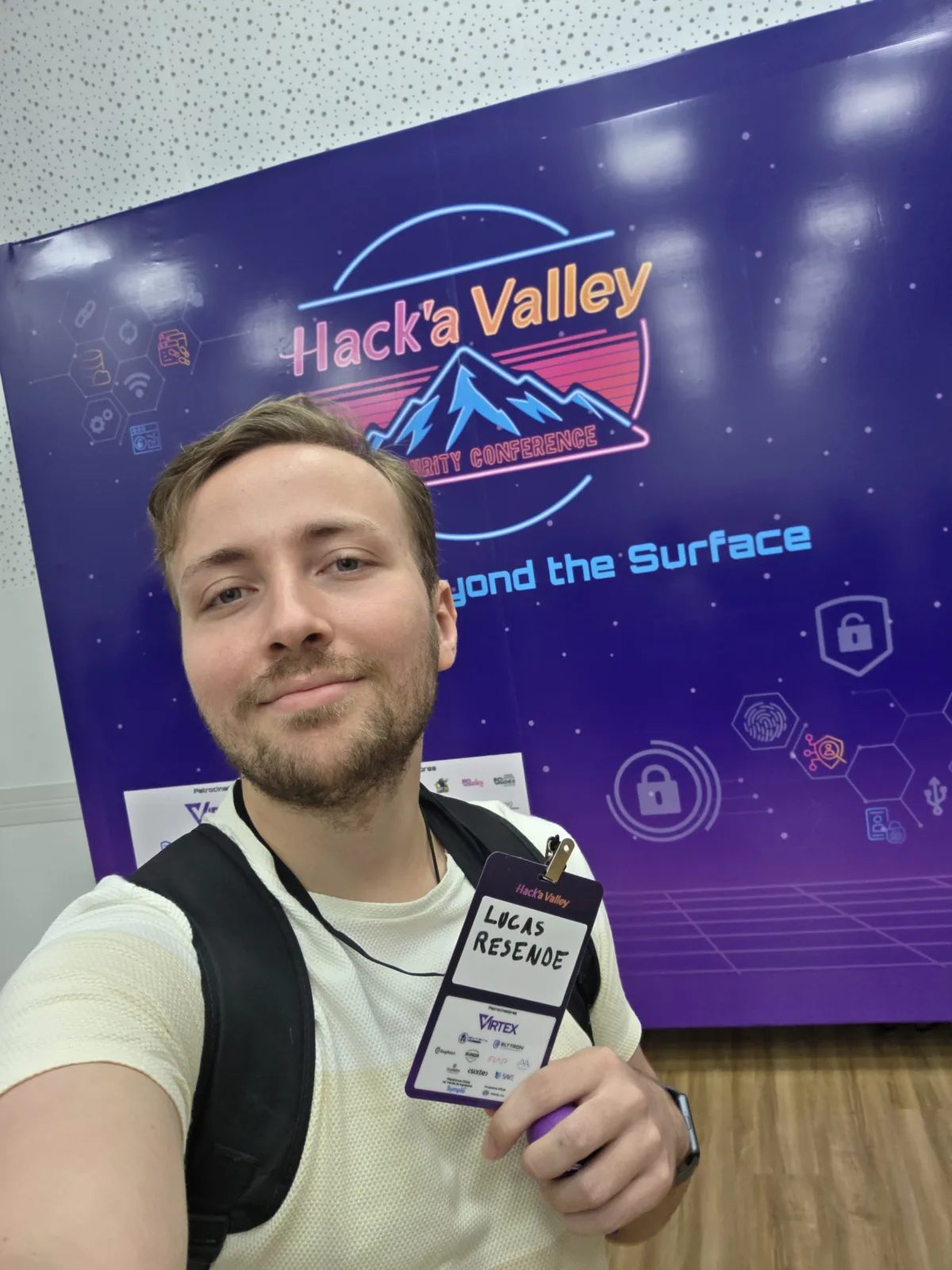
Attending the Hack’a Valley 2026 security conference in Paraíba Valley gave me a much more vigilant and defensive perspective on working with AI tools.
Language models hooked up to operating system tools are not magic, but rather probabilistic systems. If you allow an agent to run terminal commands or crawl arbitrary web pages without strict boundaries, you expose your system to real threats like indirect prompt injection. A malicious snippet hidden on a webpage can hijack an agent’s objective and attempt to execute unintended scripts on your local machine.
To stay protected, I enforce strict guardrails in my daily routine. Reading and research agents operate strictly with minimal, read-only permissions. No command that mutates critical files, deletes folders, or initiates external network connections runs without my explicit manual approval (Human-in-the-Loop). Furthermore, external web content undergoes sanitization filters before entering any model’s context window.
Learning to program surrounded by AI agents also means learning to govern these systems with engineering rigor.
Next steps: moving beyond tutorials with Socratic learning
Watching video tutorials offers a deceptive sense of mastery. The instructor types, the code compiles cleanly, and everything seems obvious. The real test only begins when you close the video, open a blank file, and realize you do not know where to start.
My roadmap after completing CS50x and wrapping up my first semester at Fatec is to deepen active learning by using AI as a Socratic mentor for self-directed study.
The goal is to feed the model curated roadmaps and official documentation, configuring it to act as a demanding tutor. Rather than providing ready-made solutions, the AI asks targeted architectural questions, introduces subtle bugs into code for me to isolate, and calibrates difficulty according to my Zone of Proximal Development (ZPD). Advancing to the next topic only occurs when the concepts and code are demonstrably mastered in practice.
The tool accelerates, but the engineer must do the learning
The tech market of 2026 does not need more people who can type prompts into a chat box to generate automated code. What it demands are analytical problem-solvers who understand how systems fail, how memory behaves, and how to engineer secure software.
Artificial intelligence is one of the most powerful tools a computer science student can have today, as long as it is applied to eliminate administrative friction and protect space for what truly counts: the cognitive effort of deep thinking.
Learning computer science thoroughly takes dedication and patience. But when you employ these tools to amplify your effort rather than escape it, the technical foundation you build will stand resilient throughout your career.
- artificial-intelligence
- programming
- cs50
- fatec
- productivity
- software-engineering